 Alpha Docs
 Current Location
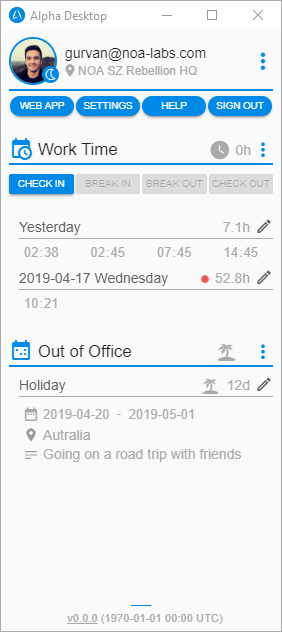
Alpha Desktop allows you to edit your current location wherever you are.
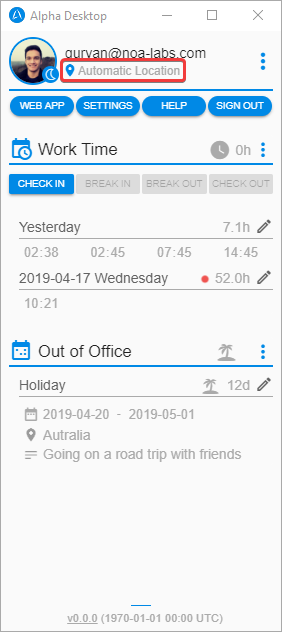
Edit Your Current Location
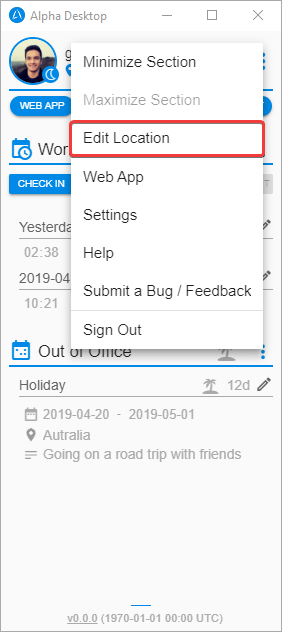
- Click on your current location or use the three dots menu and click on
Edit Location.
- Choose one location from the list or write manually your custom location.
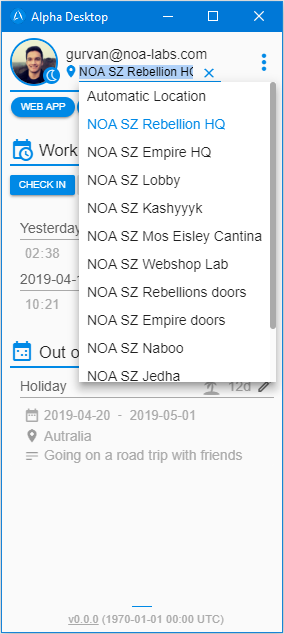
- Press Enter or click outside to save.
TIP
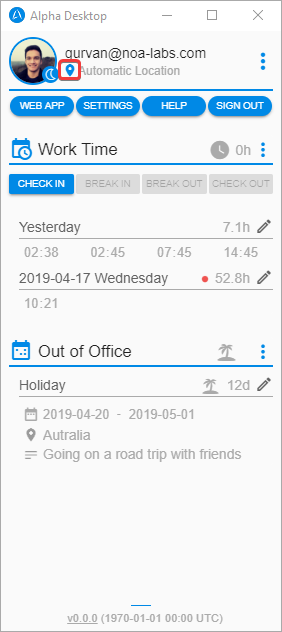
If the location icon is blue that means you are in "Automatic Location". When you are in "Automatic Location" your current location will be updated if you wear your Mi Band at the office.