 Alpha Docs
 Install Signature
The first step will be to download the HTML file of the signature.
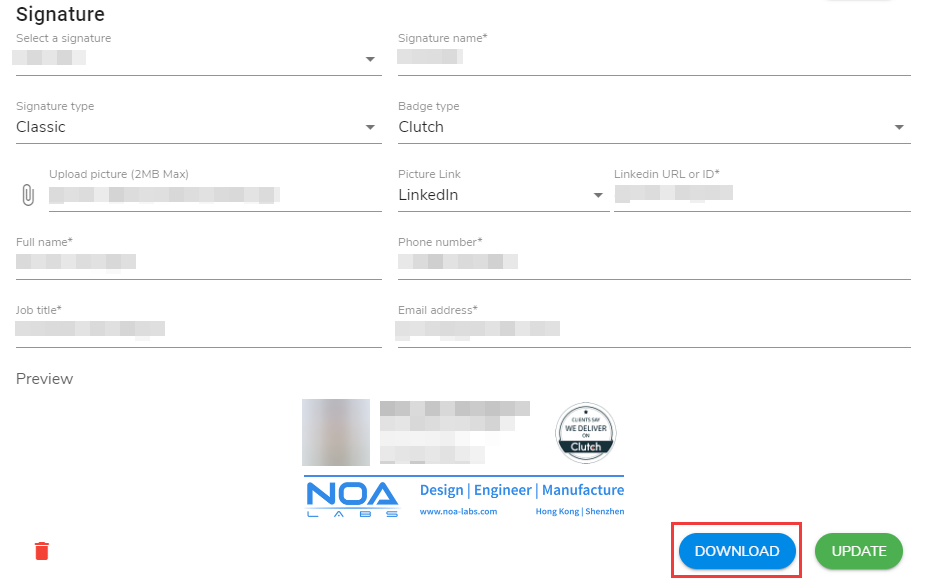
Depending on the OS one uses and his/her habits, the installation process might be different. In order not to be too thorough in here, a few links are being shared.
- Gmail
- Due to a problem with Chrome & Gmail, when copying/pasting your email signature HTML it will make links underlined, to fix that problem:
- Open your email signature and Gmail in another browser (such as Firefox).
- Select all your signature (Windows: CRTL+A, MacOS: Command-A) and paste it in Gmail.
- Scroll down and press Save at the bottom of the settings page.
- Reload Gmail in Chrome.
- Send a test email, which should have the correct formatting for links now.
- In case your email is not aligned to the left:
- Select all your signature inside the text area.
- Click on the align button and choose "align left".
- Due to a problem with Chrome & Gmail, when copying/pasting your email signature HTML it will make links underlined, to fix that problem:
- Airmail
- Thunderbird
- Apple Mail
No matter which difficulty you face, one must ask his respective supervisor for help.